
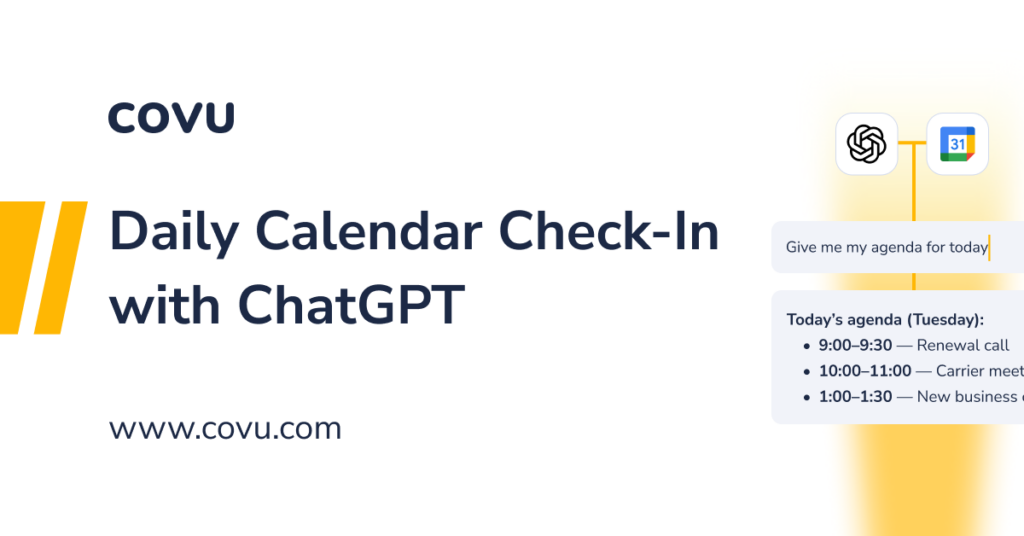
A quick way for agency owners to get instant clarity on their day using ChatGPT’s native calendar integration.
Most agency owners don’t have time to flip between tabs, dig through overlapping meetings, or remember what’s coming next. This workflow gives you a clean, fast way to check your schedule, prep for meetings, and stay ahead, all inside ChatGPT.
No custom setup.
No new tools.
Just a connected calendar and one simple prompt.
Ingredients
- ChatGPT Account – 1 login
- Google Calendar or Outlook Calendar – 1 login
- Calendar Integration Enabled
- Upcoming Meetings – recommended but optional
- One quick command – your daily check-in trigger
Prep Time
- 2 minutes to connect your calendar
- 5 seconds per check-in
- Zero effort beyond that
Step-by-Step Instructions
1. Connect your calendar to ChatGPT
Your “mise en place”: the one-time prep that makes everything smooth.
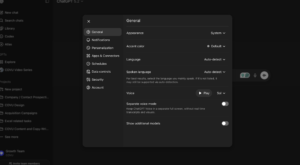
- Open ChatGPT Settings
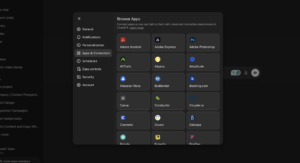
- Go to Apps and Connectors
- Choose Calendar (Google or Outlook)
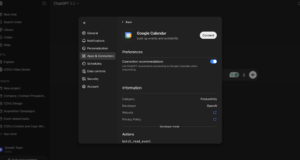
- Approve access
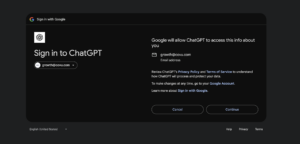
Once it’s connected, ChatGPT can read your schedule when asked, and nothing runs automatically.
2. Confirm the connection works
Type:
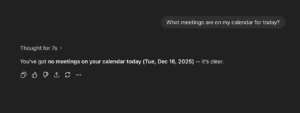
“What’s on my calendar today?”
If it’s synced, ChatGPT will pull your schedule and list everything cleanly.
3. Start your daily calendar check-in
This is your simple, repeatable routine; perfect before the day kicks off.
Try asking:
- “Give me my agenda for today.”
- “Summarize my meetings for the next 4 hours.”
- “What’s my next meeting?”
- “Do I have any overlapping meetings today?”
ChatGPT gives you a clean, digestible rundown without clicking into anything.
4. Prep for meetings in seconds
Turn your schedule into something actionable:
- “Summarize this meeting and what I need to prepare.”
- “Give me talking points for my next meeting.”
- “Draft a follow-up email I can send after this meeting.”
- “Create a checklist for this meeting.”
This turns your calendar from a list into a plan.
5. Keep the rhythm throughout the day
A simple pattern that keeps you sharp without overthinking:
- Morning: “What’s on my calendar today?”
- Before each meeting: “Prep me for my next meeting.”
- Afternoon: “Do I have any remaining meetings?”
- End-of-day: “Summarize what I had today and what needs follow-up.”
No effort. No hunting around. Just clarity.
Who This Serves
Any agency owner or leader who wants a quick grip on their schedule without bouncing between apps, especially on days packed with carrier calls, prospect meetings, and team check-ins.